
Roster & players

Your whole team, in one place.

Add players one at a time, import a spreadsheet, or bring back last season's team. Share one team code to invite everyone, and keep numbers, positions and contact info where you can find them.

Unlimited roster, free

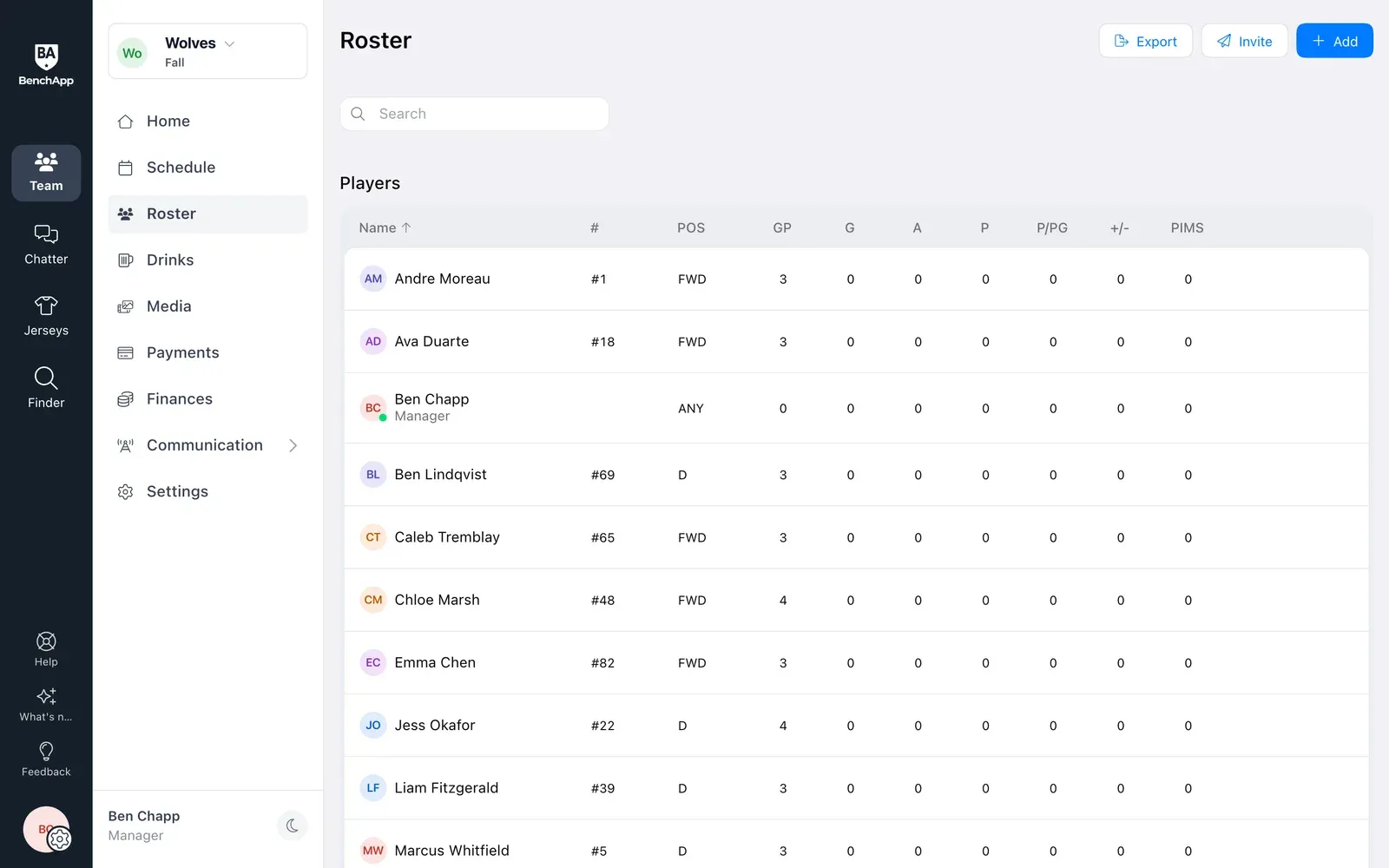
BenchApp on a computer: the team roster with each player's number and position
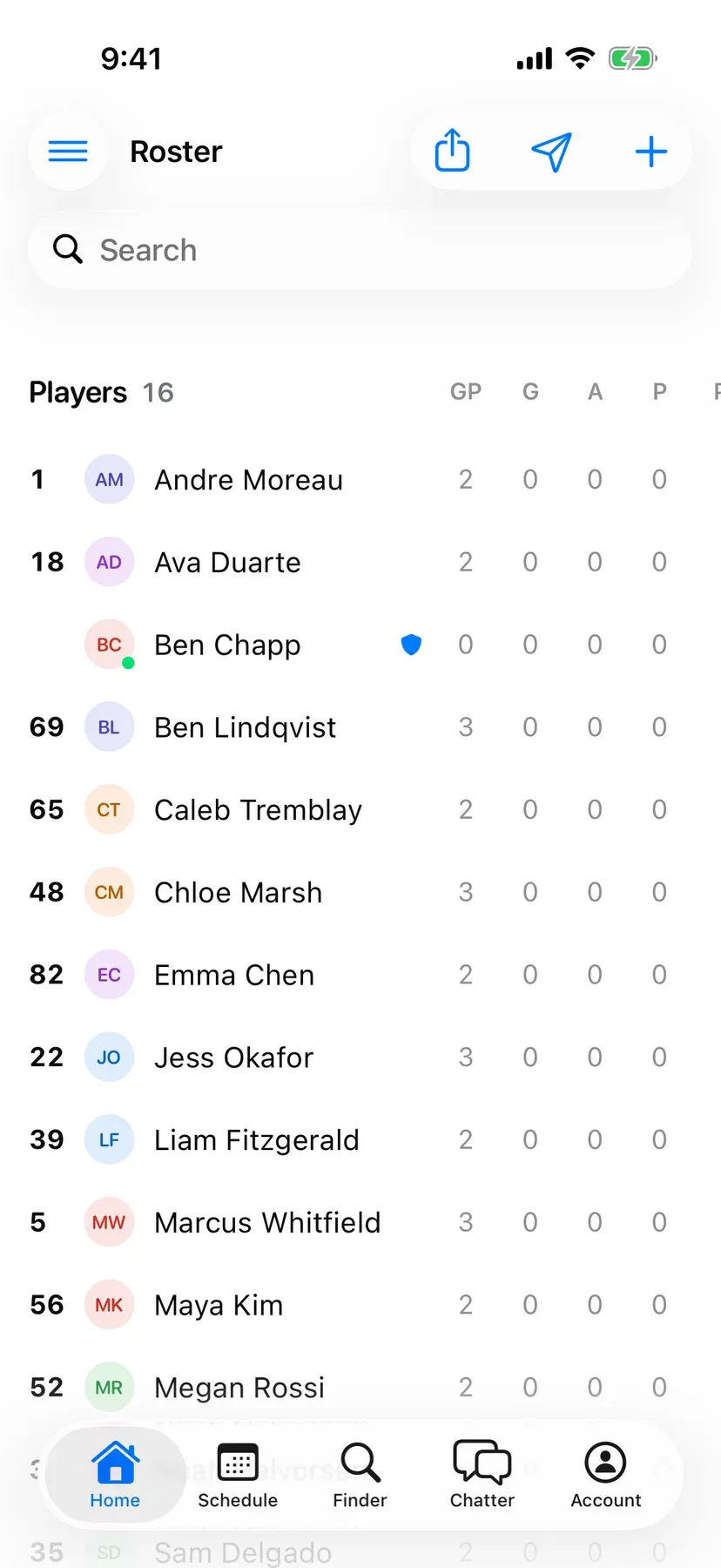
BenchApp on a phone: the team roster

How it works

From a blank team to everyone on board.

Step 1

Bring everyone in at once

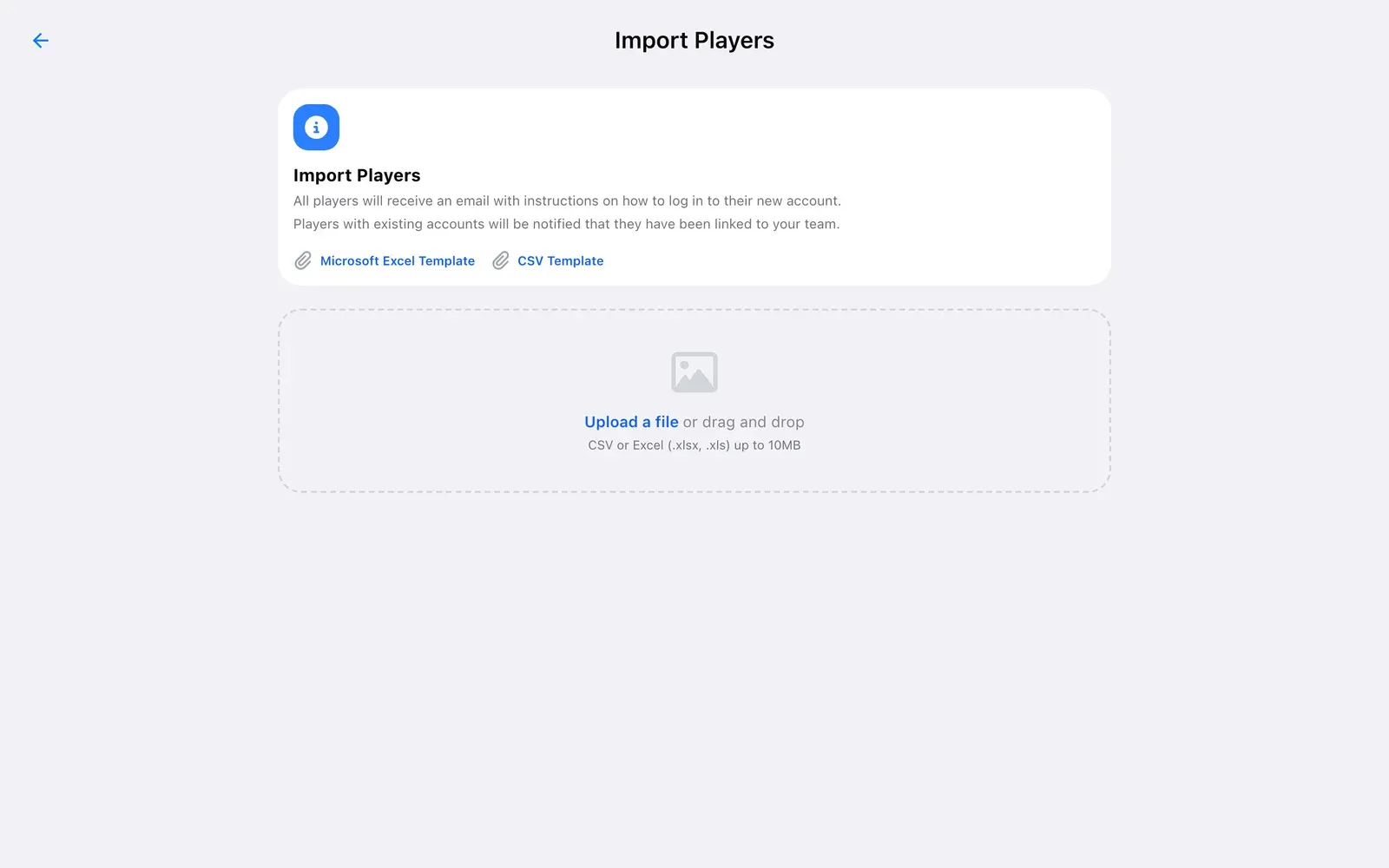
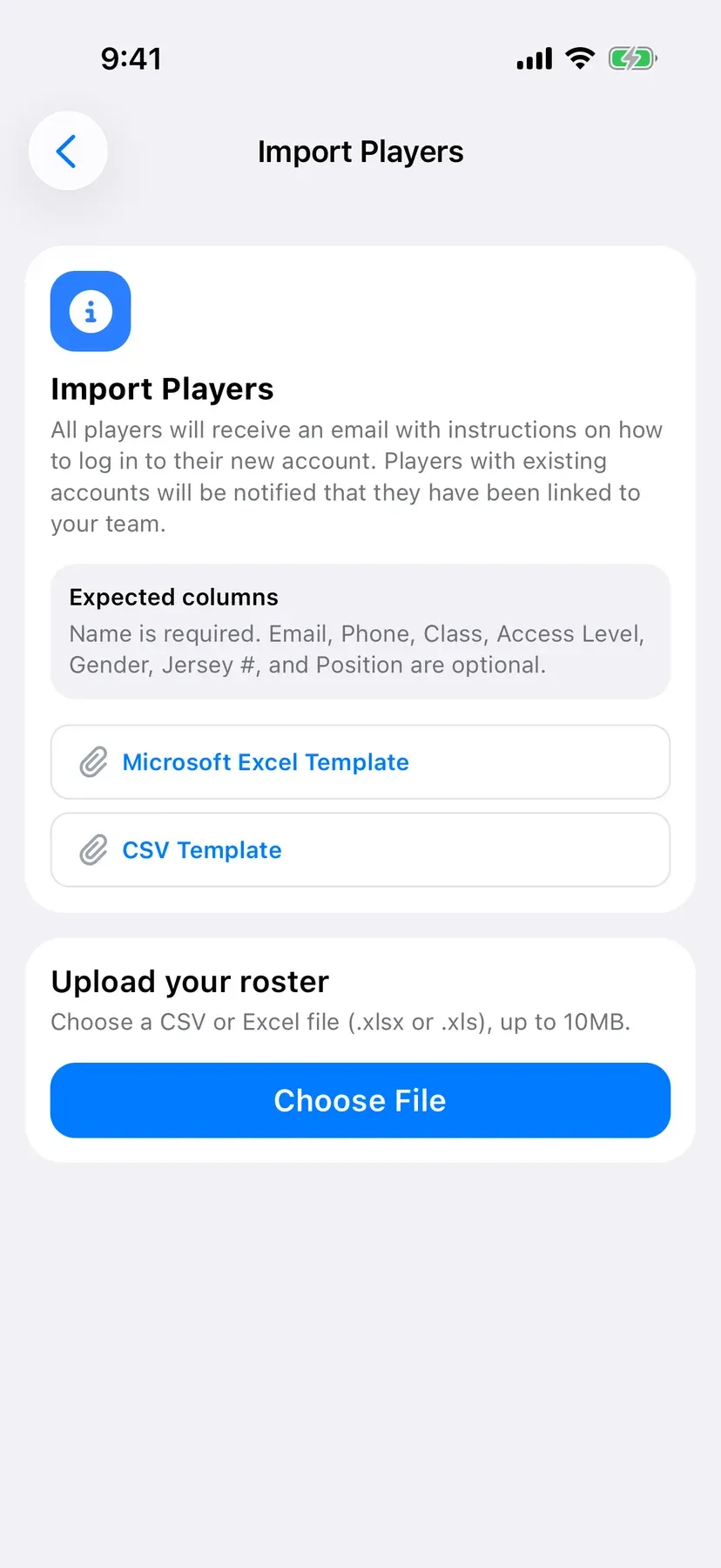
Upload the spreadsheet you already have, or copy players over from last season or another team you run. Everyone you add with an email address gets an email to join.

  • Import from Excel or a CSV file
  • Bring back last season's team
  • Or add people one at a time
BenchApp on a computer: Import Players with Excel and CSV templates
BenchApp on a phone: Import Players with Excel and CSV templates

Step 2

Invite with one code

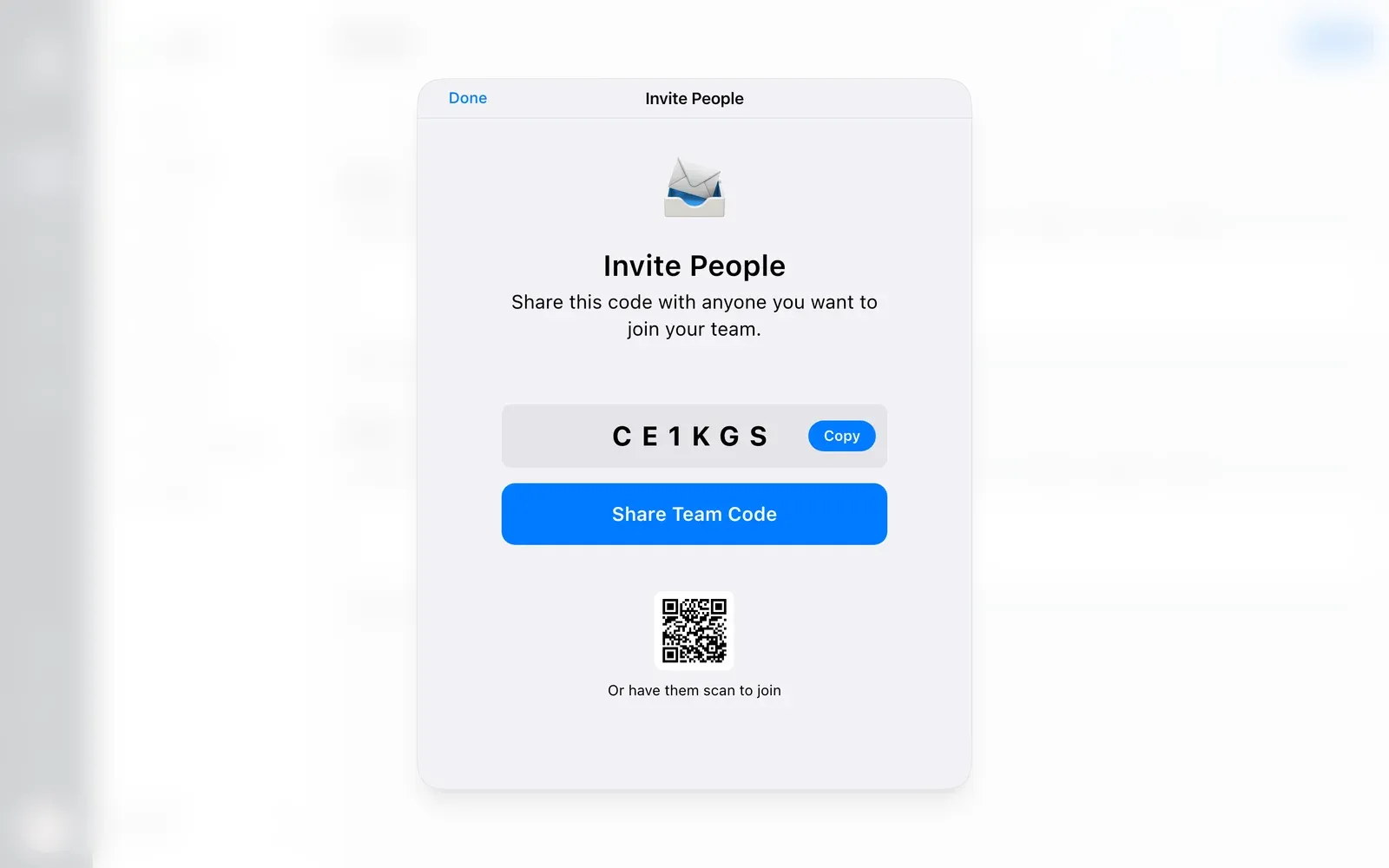
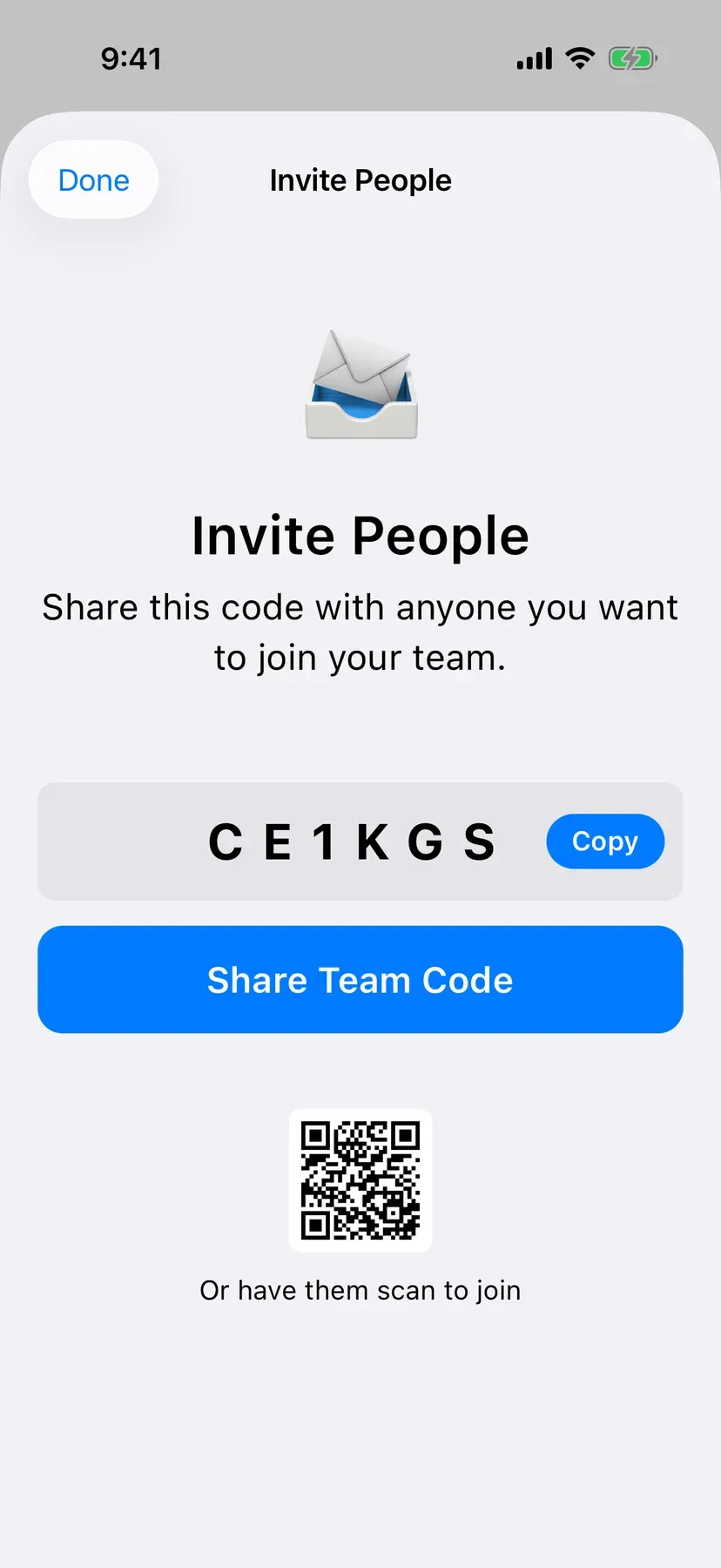
Share your team code or link by text, email or any app you already use. At the rink or field, players can just scan a QR code.

  • One code for the whole team
  • Scan to join
  • Players set up their own accounts
BenchApp on a computer: Invite People with the team code, a share button and a QR code
BenchApp on a phone: Invite People with the team code and a QR code

Step 3

Know who's who

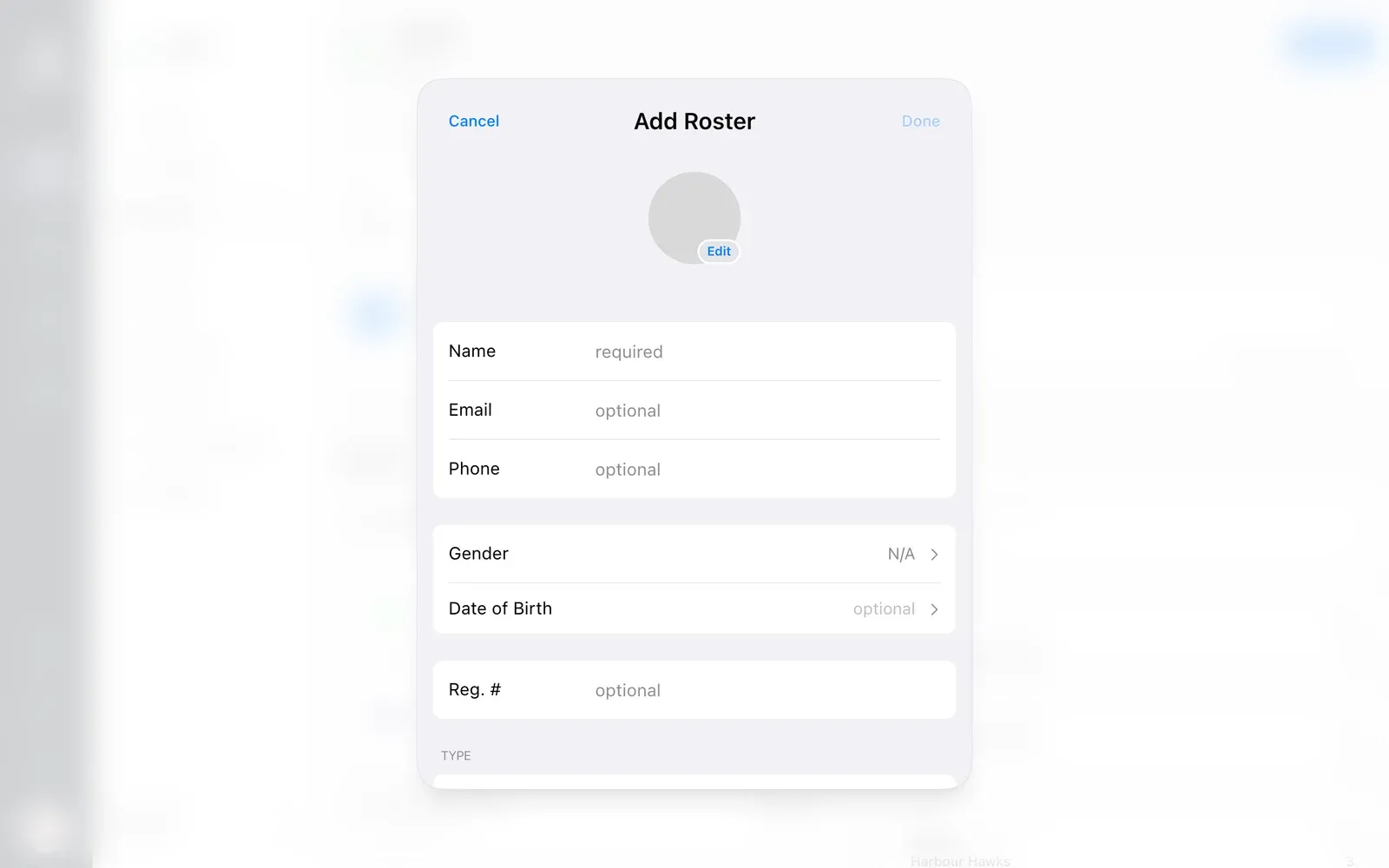
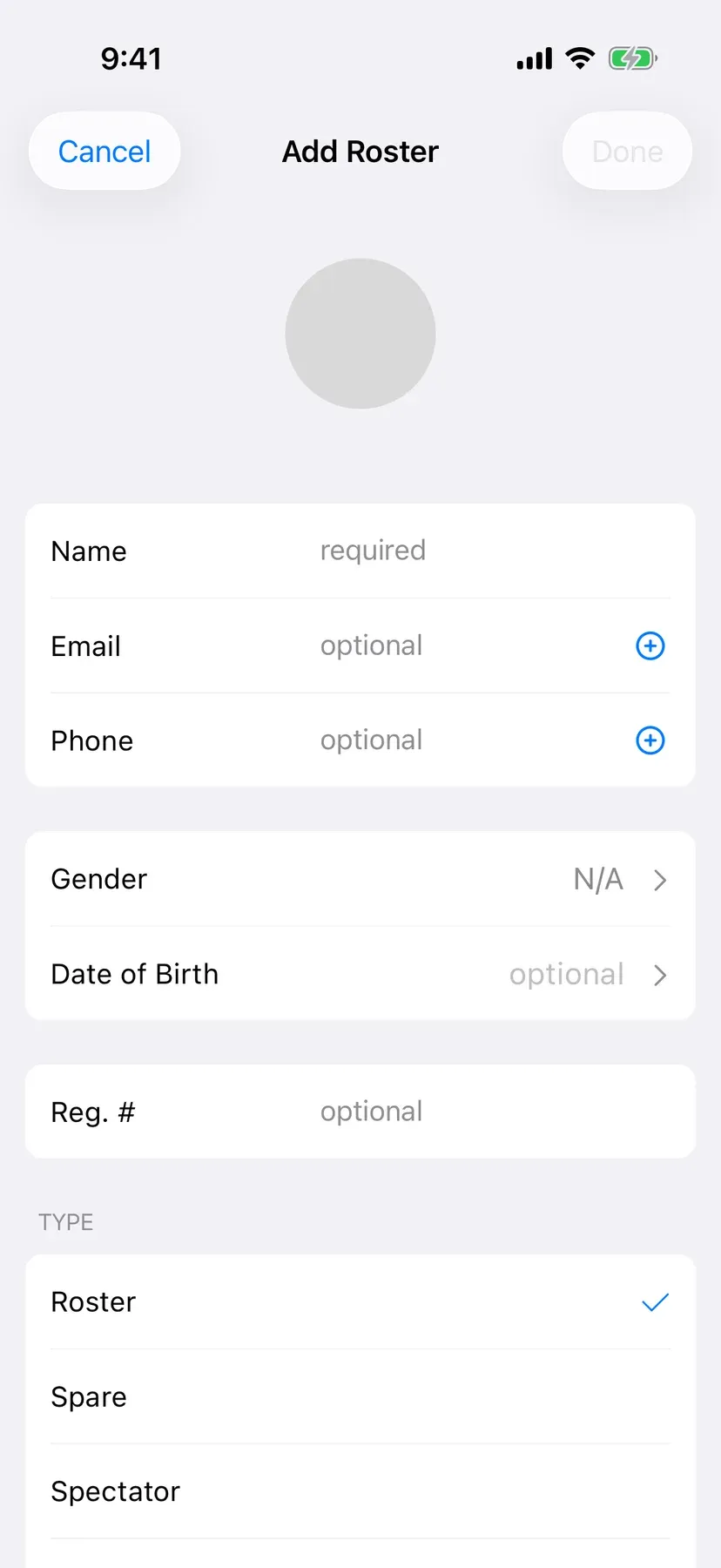
Keep numbers, positions, sizes and contact info together, and sort people into regulars, spares, staff and fans. Mark players injured or away without taking them off the team.

  • Numbers, positions and jersey sizes
  • Coaches and trainers get their own roles
  • Link parents to their kids
BenchApp on a computer: adding a person with name, email, phone and type
BenchApp on a phone: adding a person as roster, spare or spectator

Step 4

Share the load and keep it private

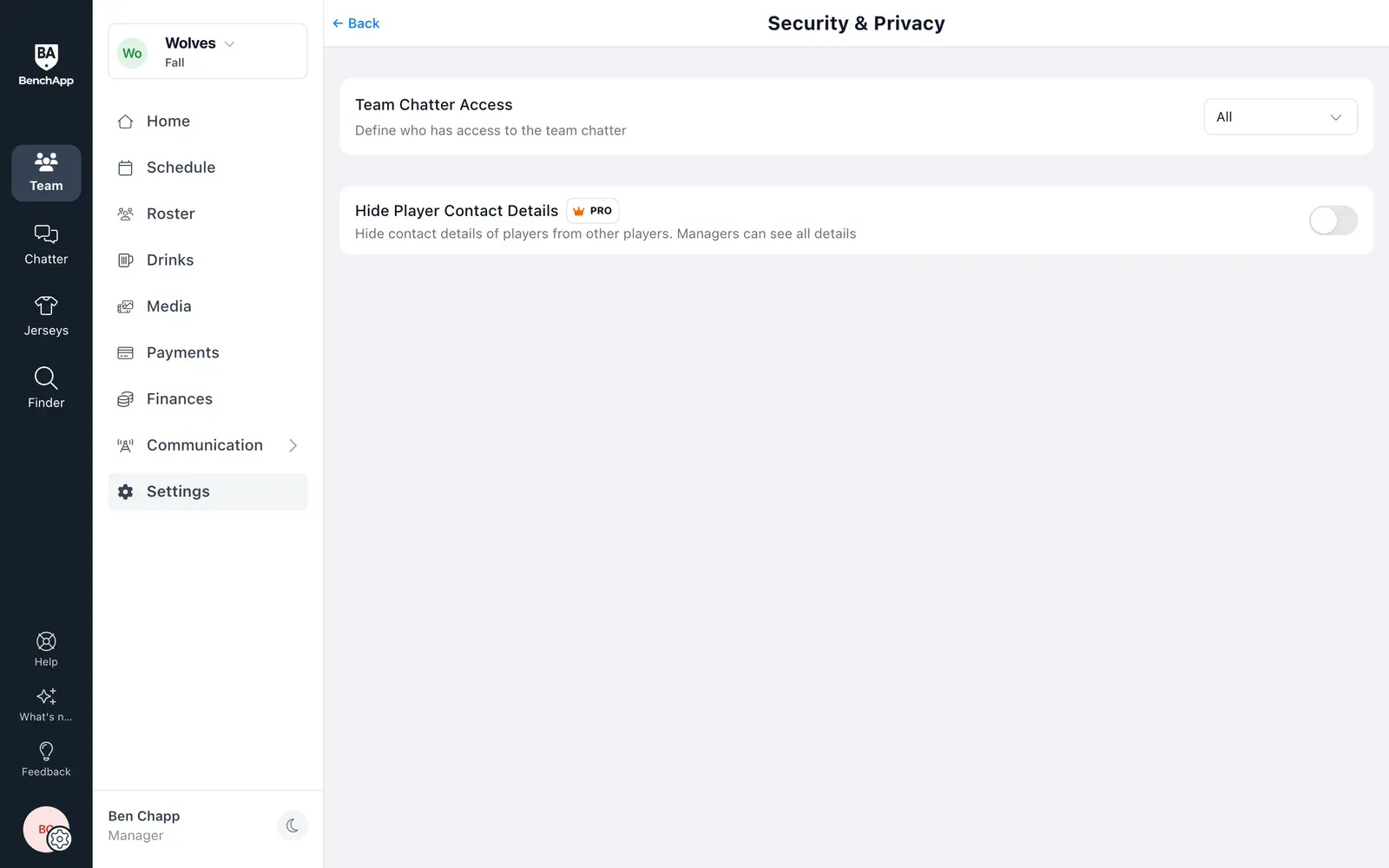
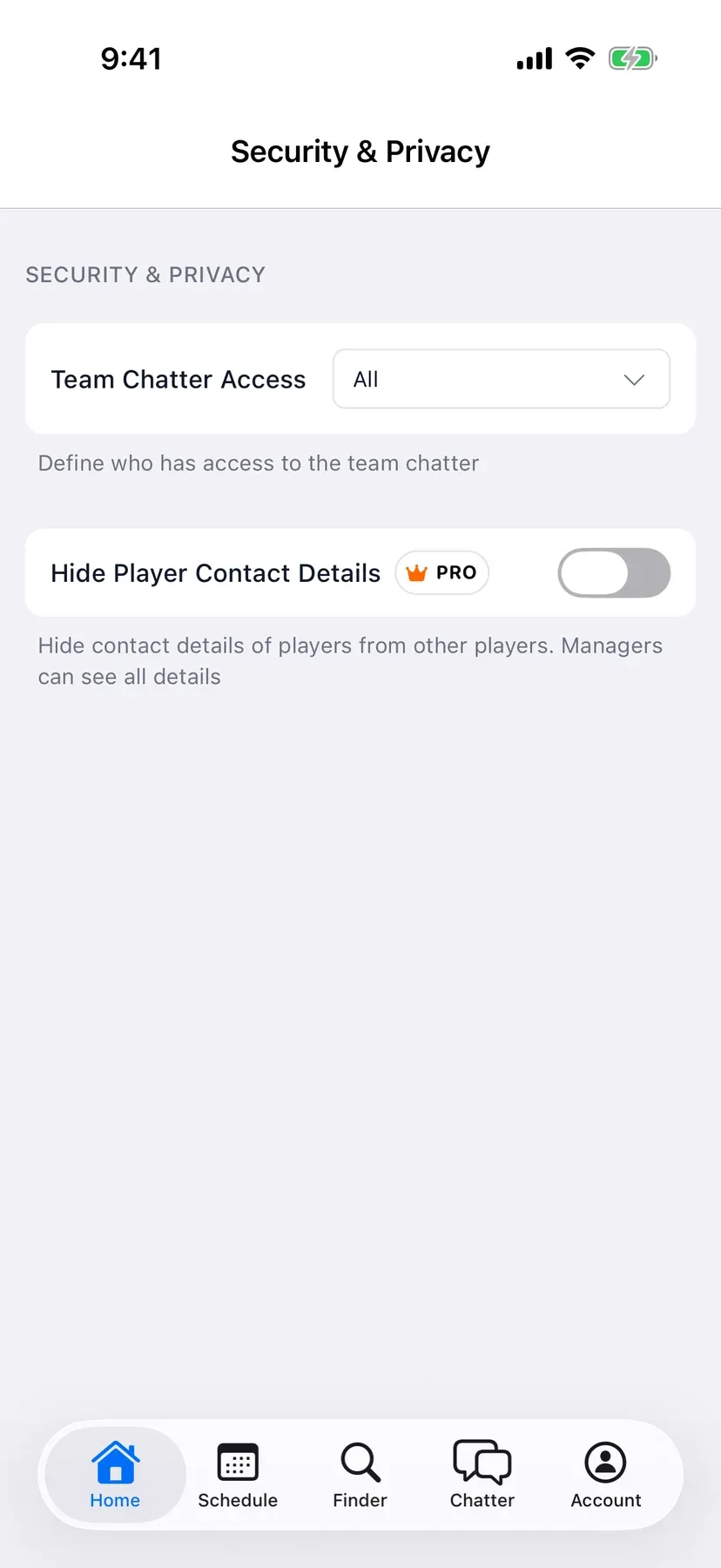
Make a trusted player a co-manager so you're not doing it all yourself. Choose whether teammates can see each other's phone numbers and emails.

  • Add a co-manager
  • Hide contact details with PRO
  • Download your roster any time
BenchApp on a computer: Security & Privacy with Hide Player Contact Details
BenchApp on a phone: Security & Privacy with Hide Player Contact Details

FAQ

Questions, answered.

Is there a limit on roster size?

No. An unlimited roster is included free for every team.

Can I import my roster from Excel?

Yes. Upload a CSV or Excel file and BenchApp adds everyone. You can start from our Excel or CSV template.

How do players join?

Share your team code or link, or have them scan the QR code. Players you import with an email address also get an email with instructions. Send the team link to anyone without one.

Can I reuse last season's roster?

Yes. Bring players over from another season or team you manage in a few taps.

Can parents be linked to their kids?

Yes, on youth and varsity teams. Add kids to the roster, add parents as spectators with their own email, and link them.

What if a player is injured or away?

Mark them injured or on holiday. They stay on your roster until they're back.

Can I hide players' phone numbers and emails?

Yes, with BenchApp PRO. Players can't see each other's contact details, and managers still see everything.

Do players have to pay?

No. Players never pay for BenchApp. Only the manager pays if the team upgrades to PRO.

See everything BenchApp can do

Get your whole team on BenchApp.

Create your team, import your roster and send the invite in minutes.

Create your FREE team