
Parents & kids Β· Youth and varsity teams

Kids on the roster. Parents in the loop.

Put kids on the roster without an email address, add their parents with their own, and link them together. Parents answer for their kids, pay their fees and keep up with the schedule, all from their own account.

For teams set to youth or varsity

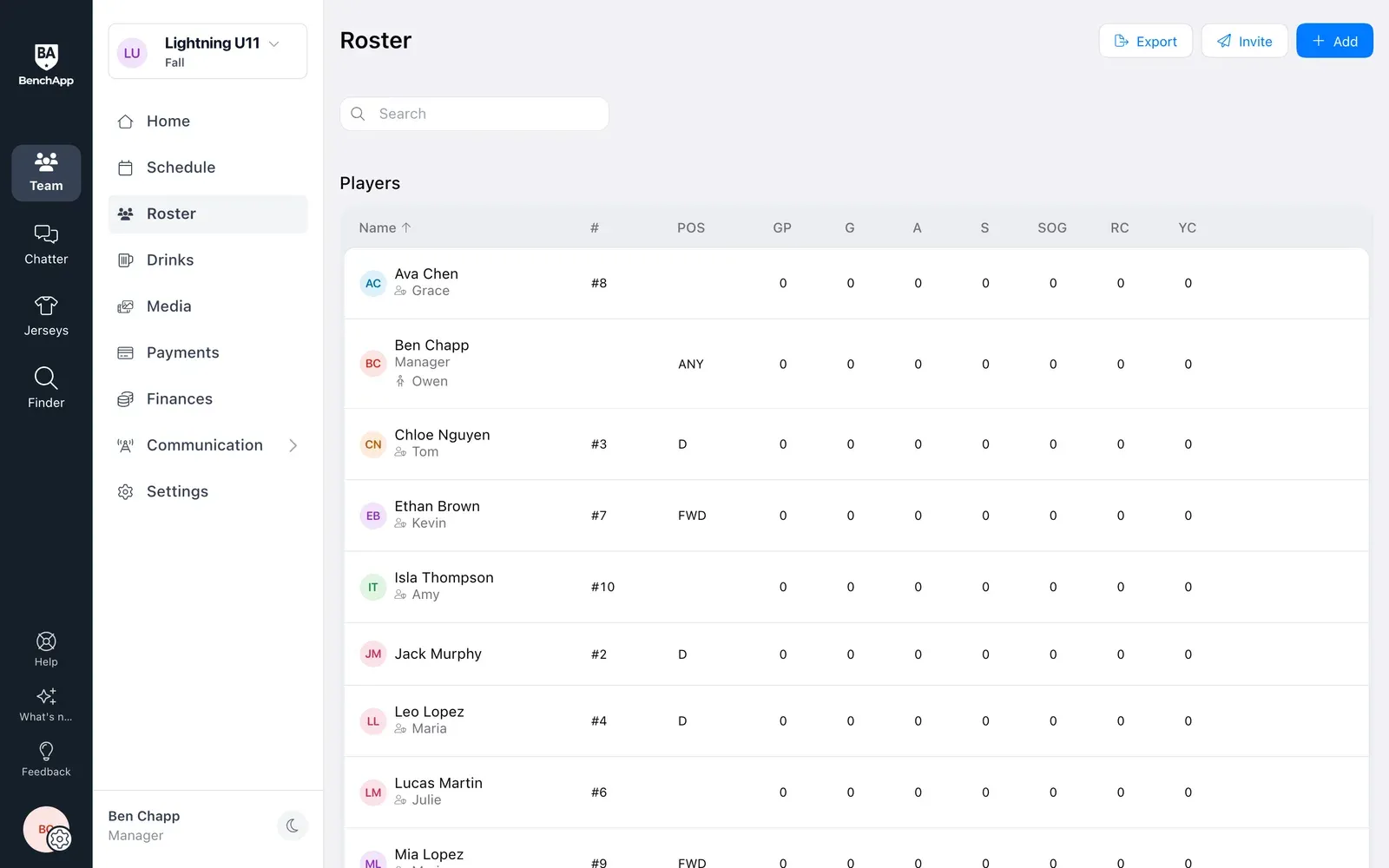
BenchApp on a computer: a youth soccer roster with each child's parent shown under their name
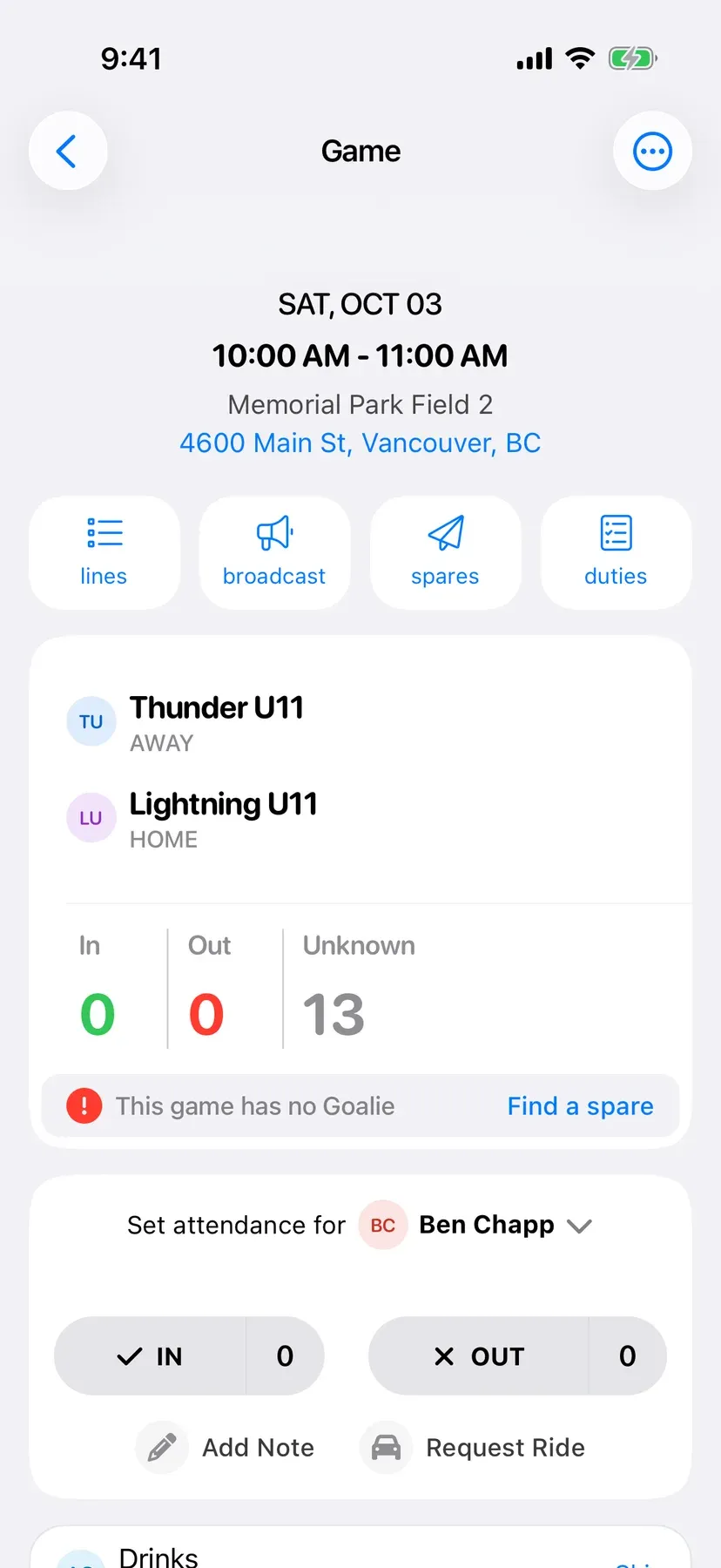
BenchApp on a phone: a youth game where a parent sets attendance for their child

How it works

From a roster of kids to parents who handle it.

Step 1

Put the kids on your roster

Add each child as a player, with their position and number. Kids don't need an email address. Family features appear once your team is set to youth or varsity.

  • No email needed for kids
  • Positions and jersey numbers
  • Each kid shows their parent's name
BenchApp on a computer: the youth roster with each child's parent under their name
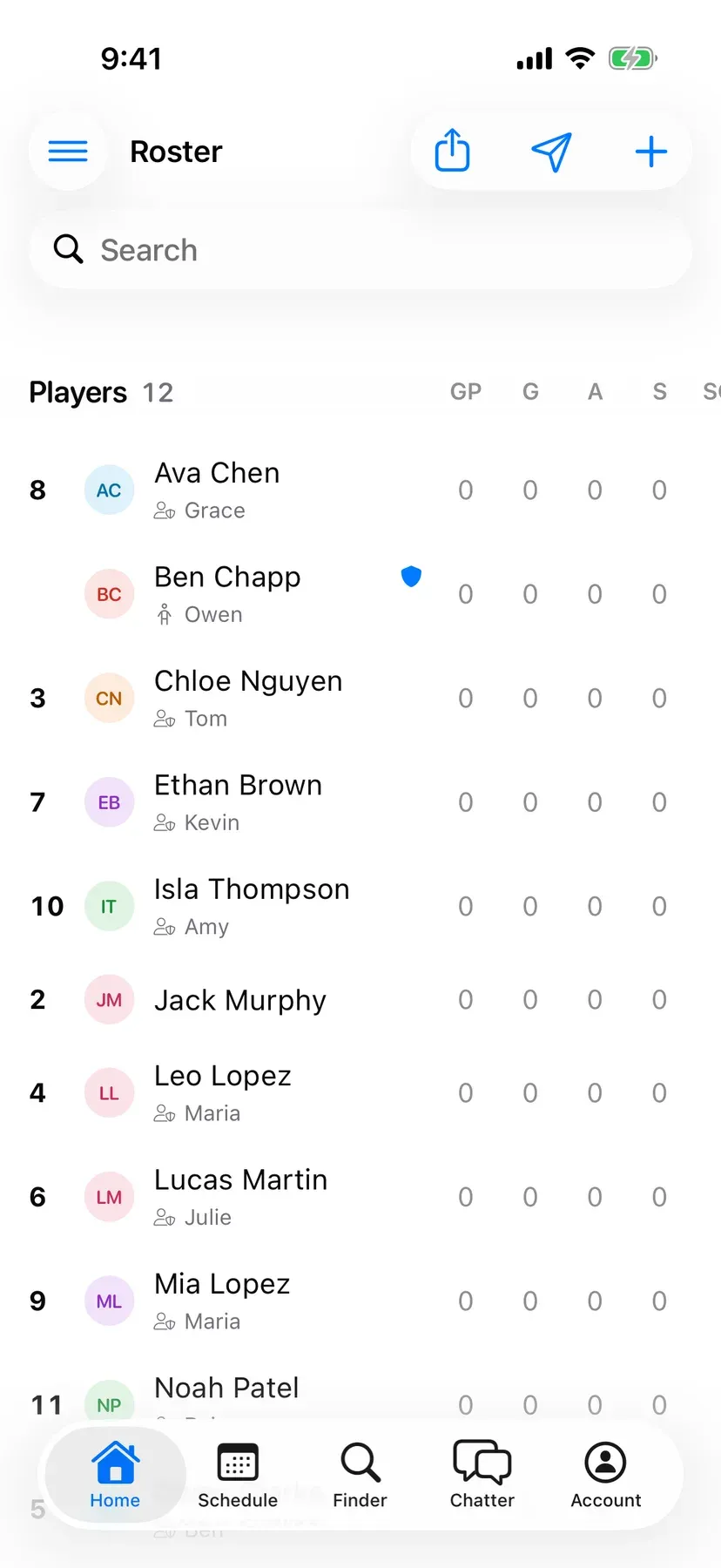
BenchApp on a phone: the youth roster with each child's parent under their name

Step 2

Add parents as spectators

Add each parent as a spectator with their own email address, so they get their own account without taking a spot on the roster.

  • Parents use their own email
  • They're not counted as players
  • Mom and dad can both be added
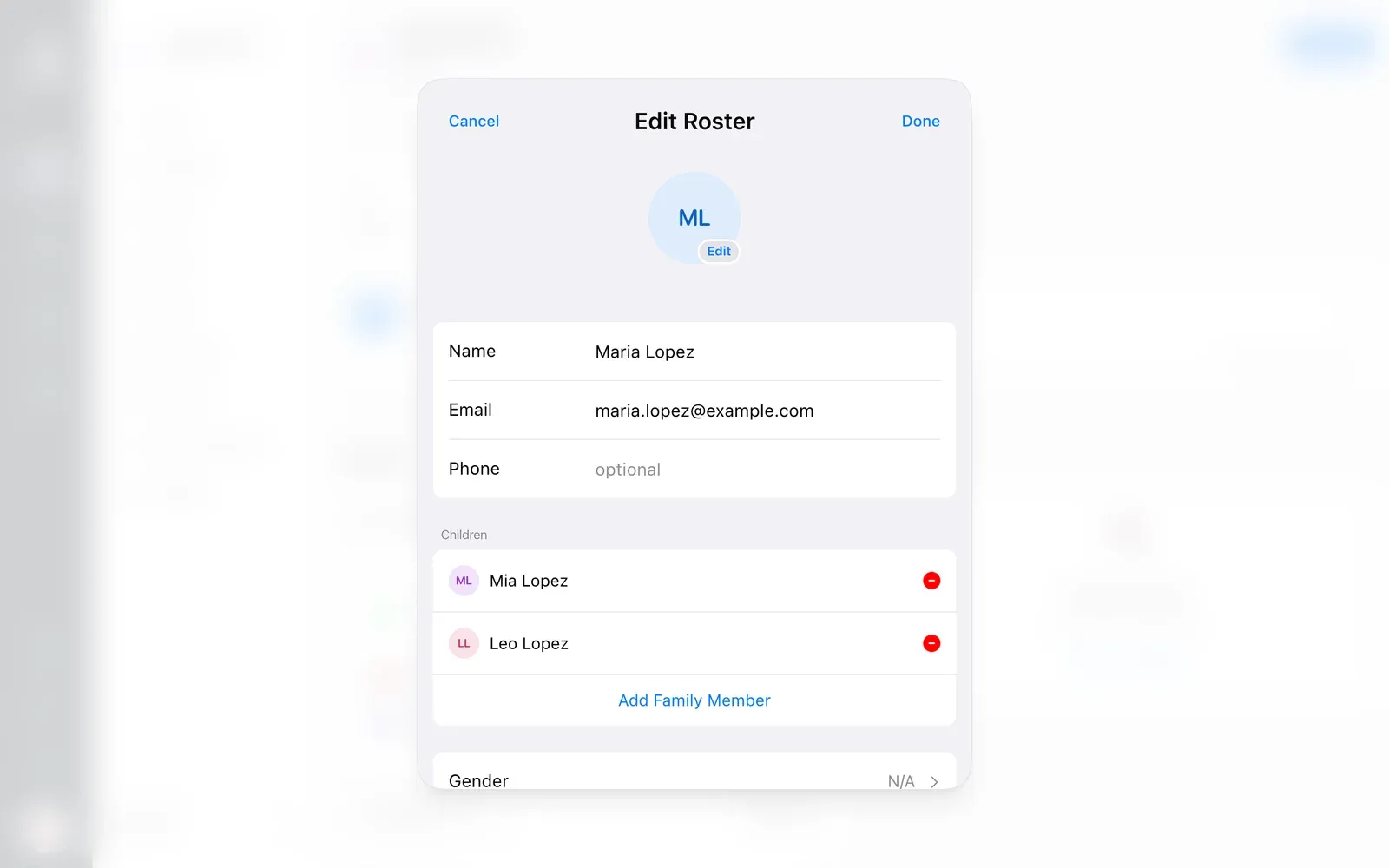
BenchApp on a computer: a parent with their own email and their two children
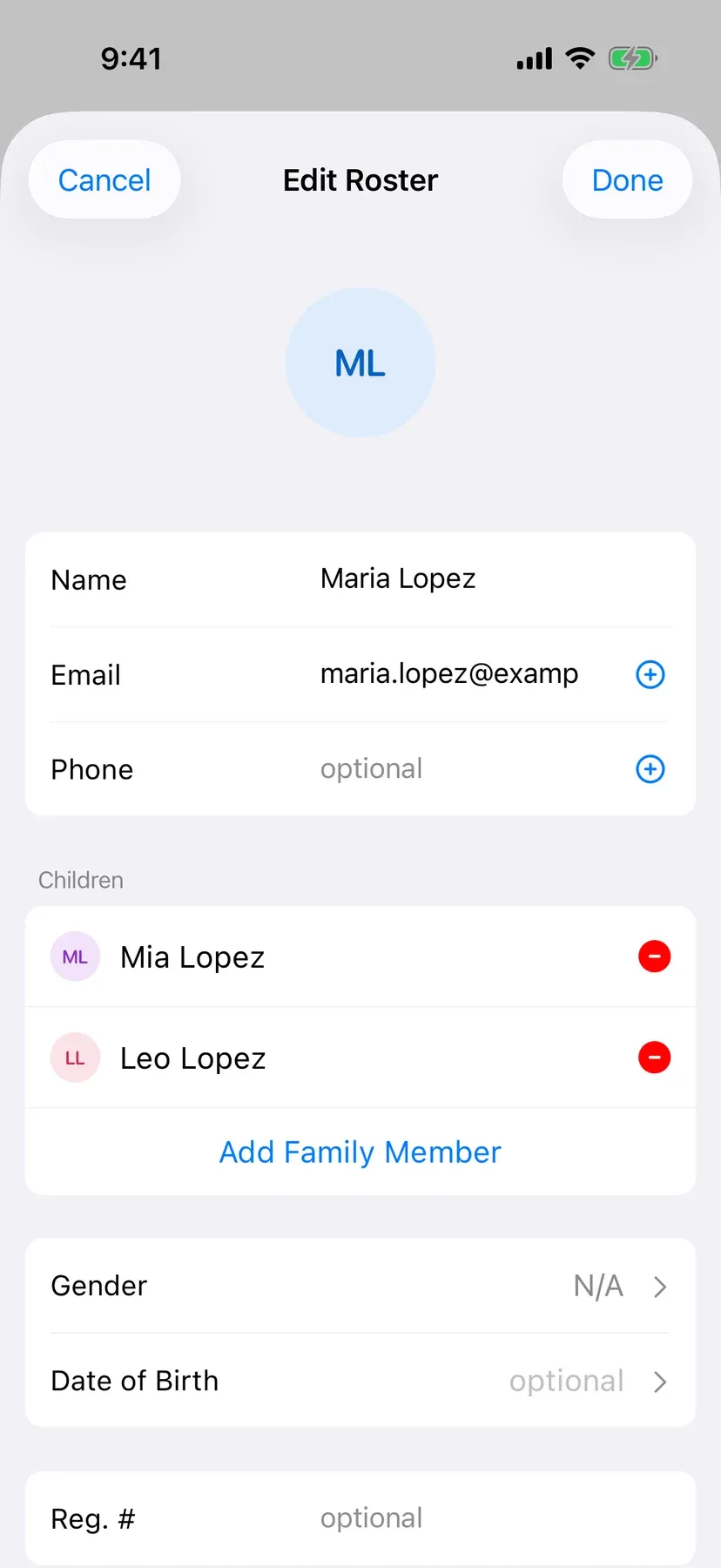
BenchApp on a phone: a parent with their own email and their two children

Step 3

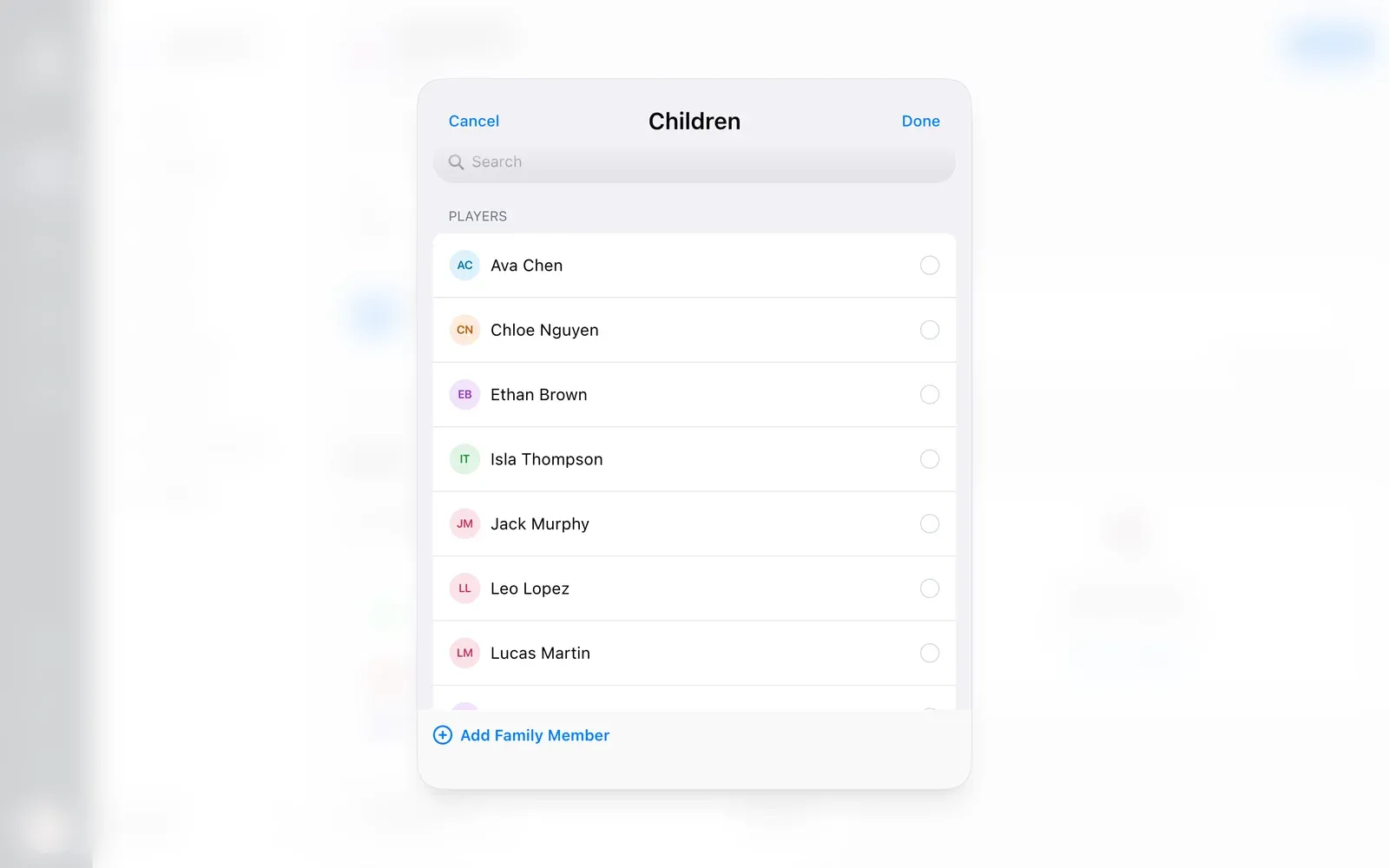
Link parents to their kids

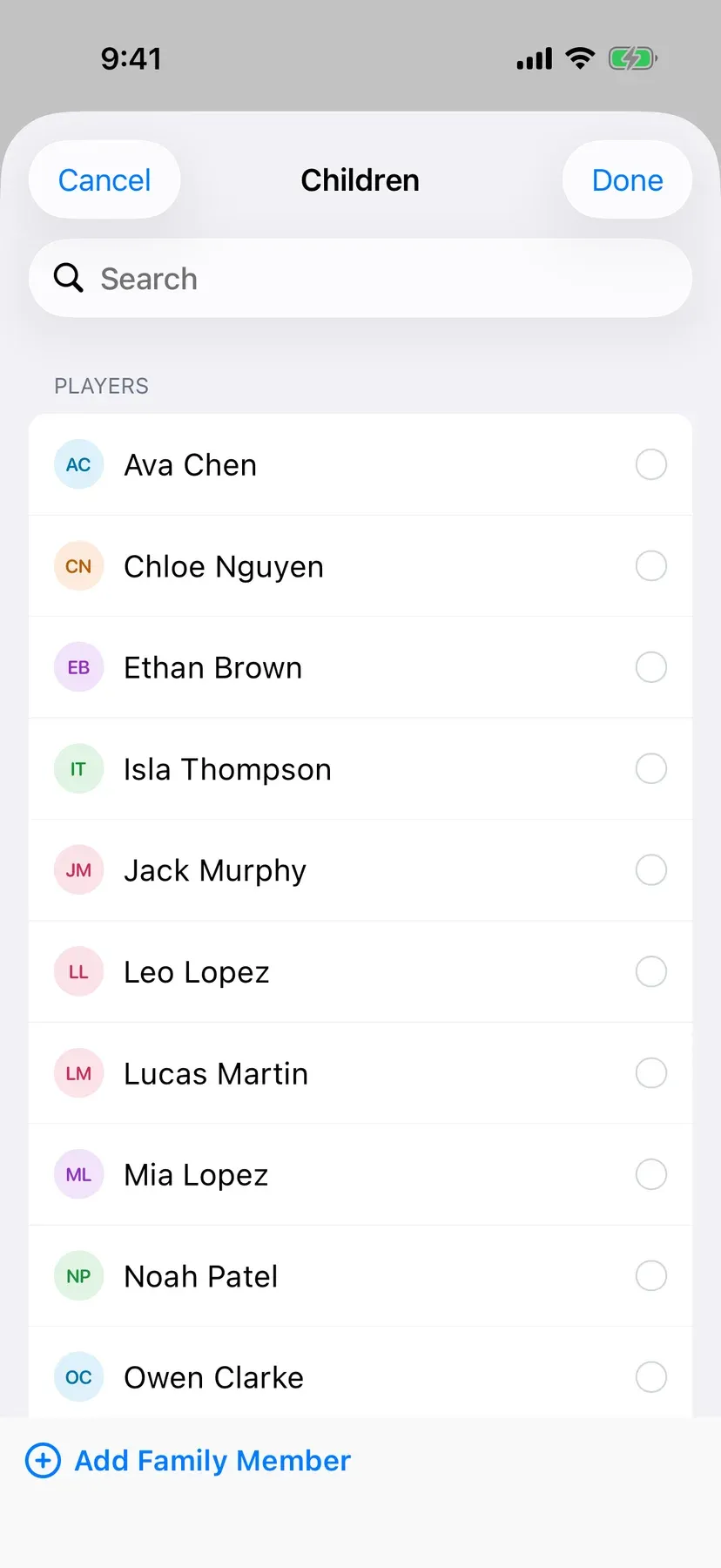
Open a parent and add their children, or open a child and add their parents. Brothers and sisters can share the same parents.

  • One parent, several kids
  • Link from the parent or the child
  • Parents can add their own kids too
BenchApp on a computer: choosing a parent's children from the roster
BenchApp on a phone: choosing a parent's children from the roster

Step 4

Parents answer for their kids

On every game and practice, parents set their child's attendance from their own account. Parents with more than one kid pick who they're answering for.

  • In or out for each child
  • See and pay each kid's fees
  • Each parent has their own login
BenchApp on a phone: Set attendance for, with In and Out buttons

Every child

See each kid's parents at a glance.

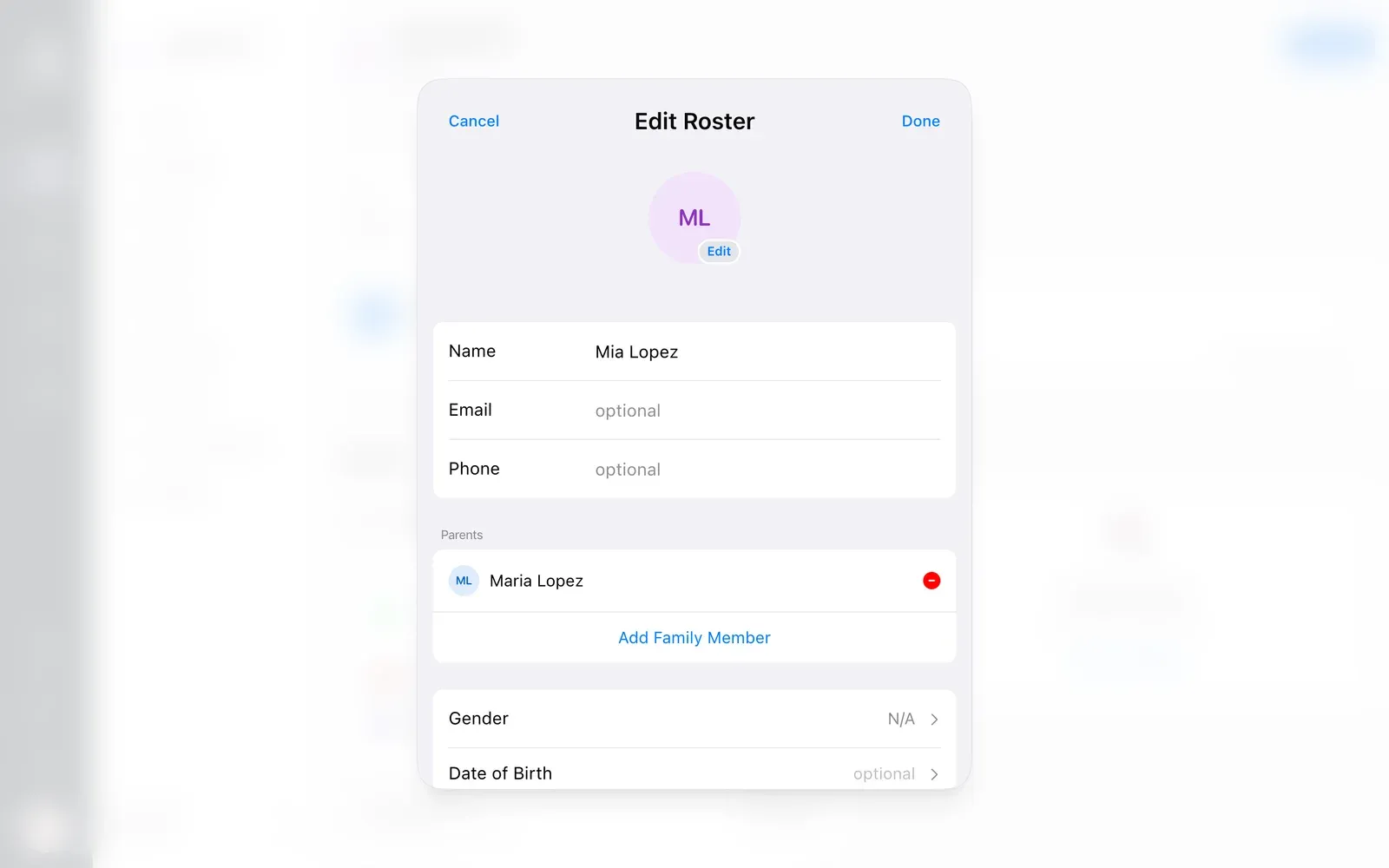
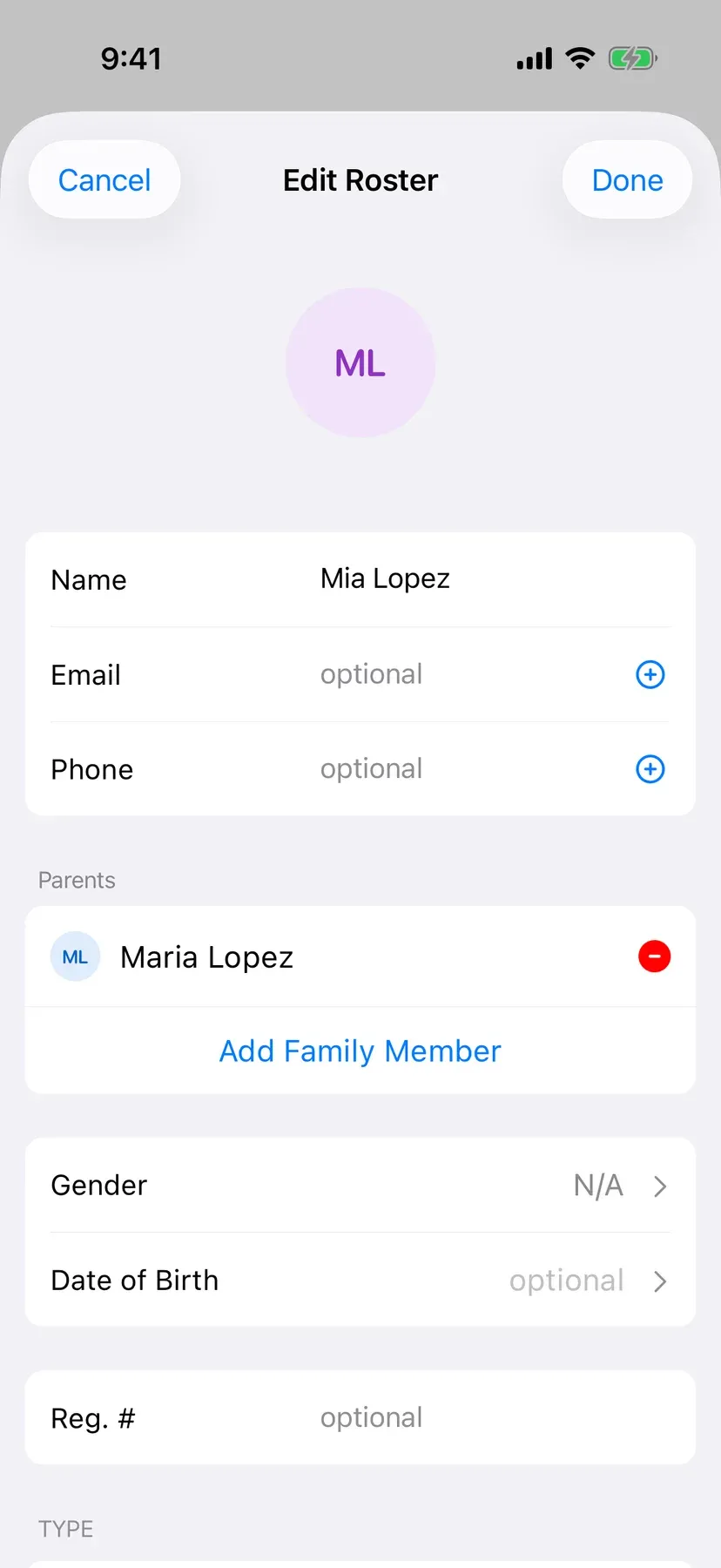
Open any player to see who their parents are, and add or remove a parent in a tap.

  • Parents listed on every child
  • Add another parent any time
  • Managers can change any family
BenchApp on a computer: a child's profile with no email and their parent listed
BenchApp on a phone: a child's profile with no email and their parent listed

FAQ

Questions, answered.

Do kids need an email address?

No. Add kids to the roster with just their name. Their parents get the emails and the account.

How do I add a parent?

Add them to the roster as a spectator with their own email address, then link them to their child from either the parent's or the child's profile.

Why don't I see family features?

Family features only appear when your team is set to youth or varsity. Change it in your team's settings.

Can a parent have more than one child on the team?

Yes. Link a parent to all their kids, and they pick which child they're answering for.

Can a child have two parents?

Yes. Add both parents as spectators and link each of them to the child.

Can parents link their own kids?

Yes. A parent who's on the team as a spectator sees a Manage Family card on their Home screen to add their child.

Can parents pay their kids' fees?

Yes. Parents see each of their kids' fees on their own Payments page and can pay them there.

Is it free?

Yes. Adding parents and kids and linking families is included for every youth and varsity team.

See everything BenchApp can do

Give every parent their own way in.

Create your youth team, add the kids and invite their parents in minutes.

Create your FREE team